
Save anything. Find it by describing it.
inkling keeps the articles, images, screenshots, PDFs, notes, quotes and videos you want to hold on to in one library on your computer. There are no folders to keep up. You search for what you remember.
Free for Windows, Linux and Apple silicon Macs.
Try



The Hundred-Year Language
paulgraham.com · 14 min

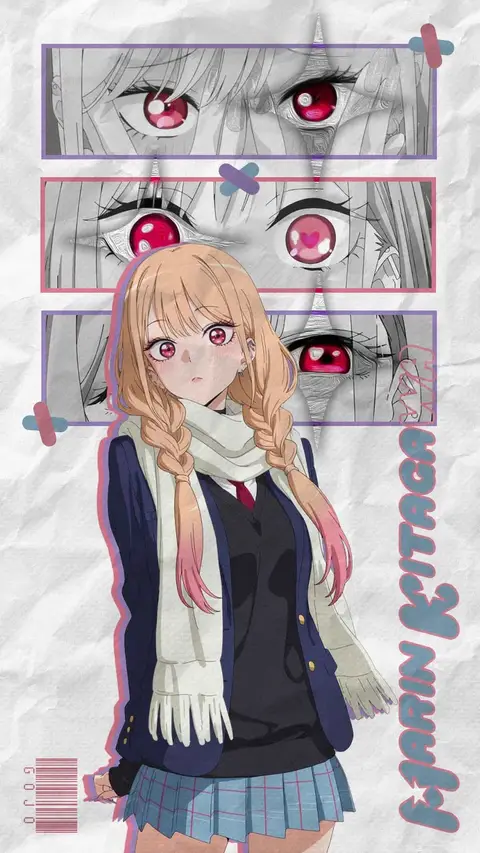
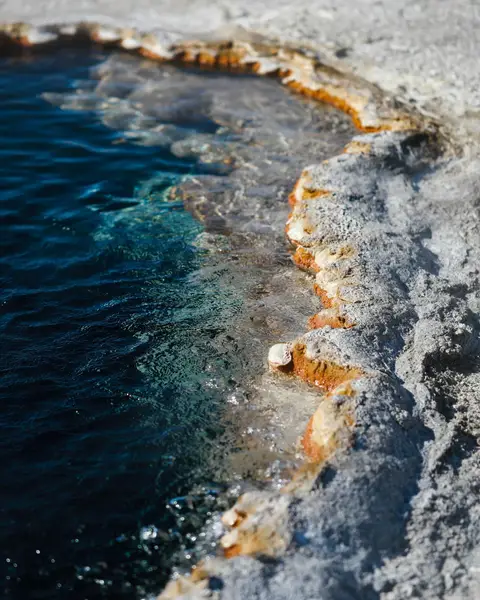

Notes on a quiet harbor town
example.com · 6 min

Saving takes a second.
The card shows up the moment you save. inkling reads the article, the PDF or the words in the picture afterwards, in the background, while you get on with what you were doing.
paulgraham.com/hundred.html
- Paste a link, an image or some text
- Drop files onto the window
- Save a link
- Add files
- Write a note
- Save a quote with where it came from
- Send the page you're reading from Chrome
It reads your pictures, too.
Words inside screenshots, photos and scanned PDFs are searchable. Remember one word from a receipt and the receipt comes back. The reading happens on your computer.
Search also goes by meaning, so red apple
finds the photo you never captioned, and any picture can show you the ones that look like it.
com.inkling.library/
  library.sqlite3
  assets/
    items/
      <one folder per item>/
Your library is a folder on your computer.
One SQLite file and the files you saved, next to each other. There is no account and no cloud copy. OCR, embeddings and search all run on your machine, and the models come with the app.
Start keeping things.
Free for Windows, Linux and Apple silicon Macs.
Download inkling